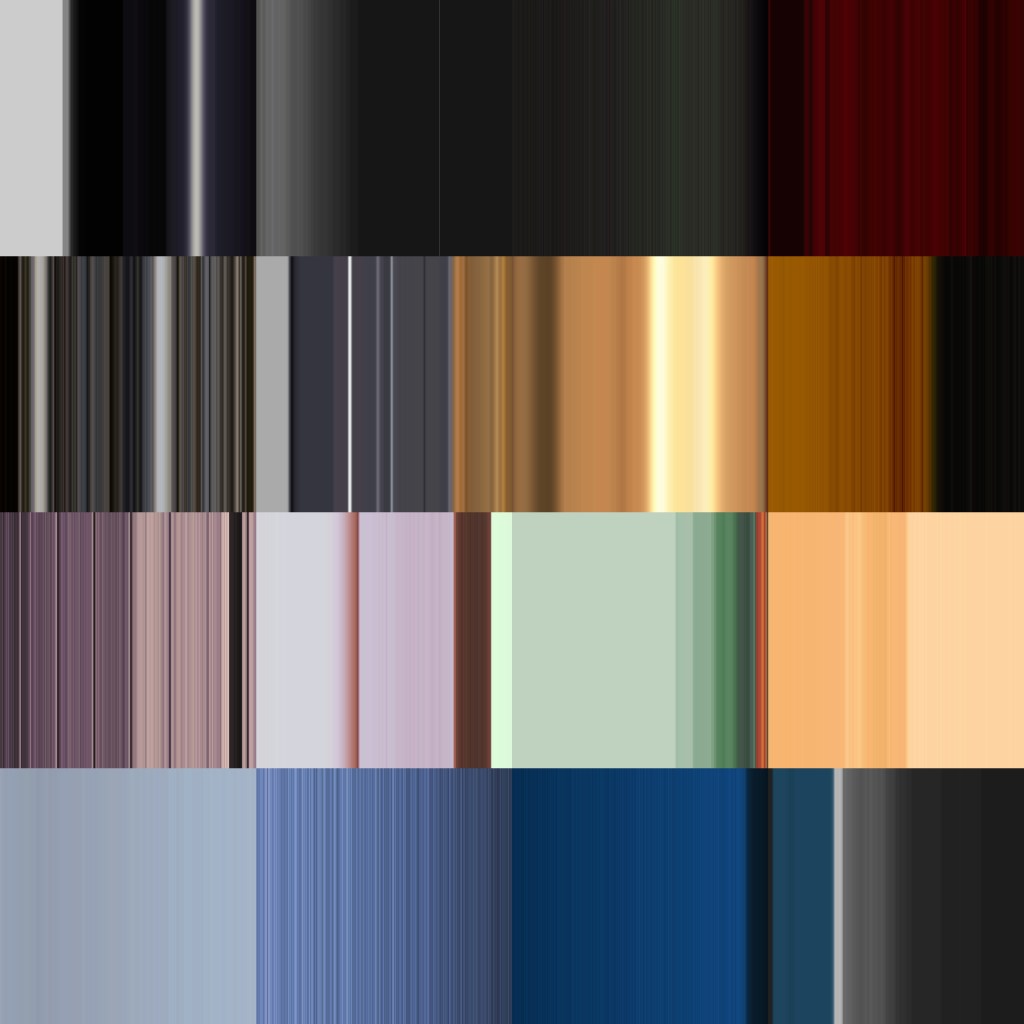
My friend said that my artworks are mostly dark so I want to see what colors I use.
I used processing code to transform 16 randomly chosen images into color panels and combined them into a grid.
Programming
 PImage img;
 int y;
 void setup() {
    size(1200, 1200);
    frameRate(20);
    img = loadImage("summer.jpg");
    img.loadPixels();
    //Pick a random height as y (vertical axis)
    y = int(random(img.height));
    strokeWeight(2);
 }
 void draw() {
   //Pick a random width as x (horizontal axis)
   int w = int(random(img.width));
   for (int x = 0; x <= w; x++) {
     //Pixel color at the image position (x, y)
     color c = img.get(x, y);
     stroke(c, 50);
     line(x, 0, x, height);
   }
 if (y <= 0) {
      y = int(random(img.height));
   }
   y--;
 save("summer.jpg");
 }
Pointillism
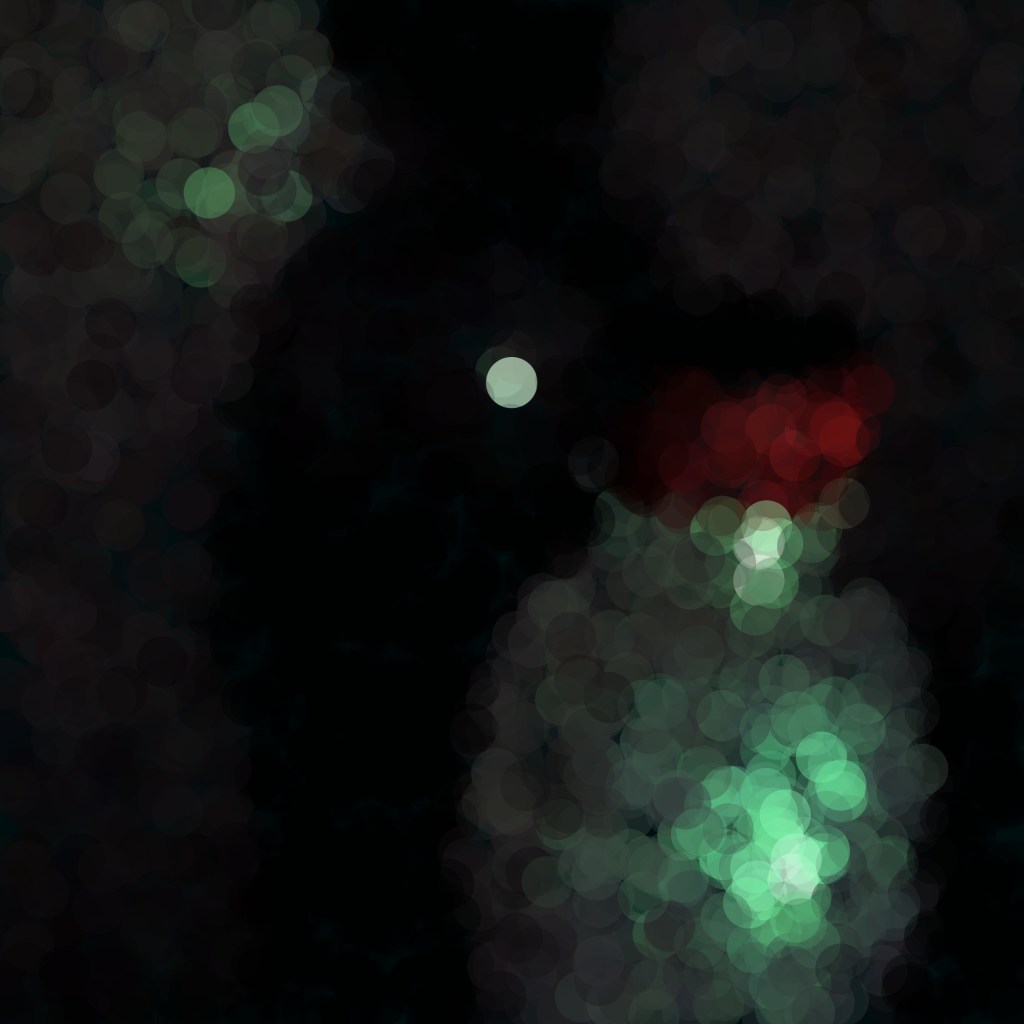
My coding inspiration came from the example code Pointillism. Instead of point, I modified my code to generate lines. Below are the example code and images created by the example code (the input images are my original works The Heroine and Shadow).
 PImage img;
 int pointillize = 180;
 void setup() {
   size(3600, 3600);
   img = loadImage("Heroine.jpg");
   background(3600);
   smooth();
 }
 void draw() {
 // Pick a random point
   int x = int(random(img.width));
   int y = int(random(img.height));
   int loc = x + y*img.width;
 // Look up the RGB color in the source image
   loadPixels();
   float r = red(img.pixels[loc]);
   float g = green(img.pixels[loc]);
   float b = blue(img.pixels[loc]);
   noStroke();
 // Back to shapes! Instead of setting a pixel, we use the color
   // from a pixel to draw a circle.
   fill(r,g,b,100);
   ellipse(x,y,pointillize,pointillize);
   save("Heroine.jpg");
} 


 Leslie Zeng
Leave a comment